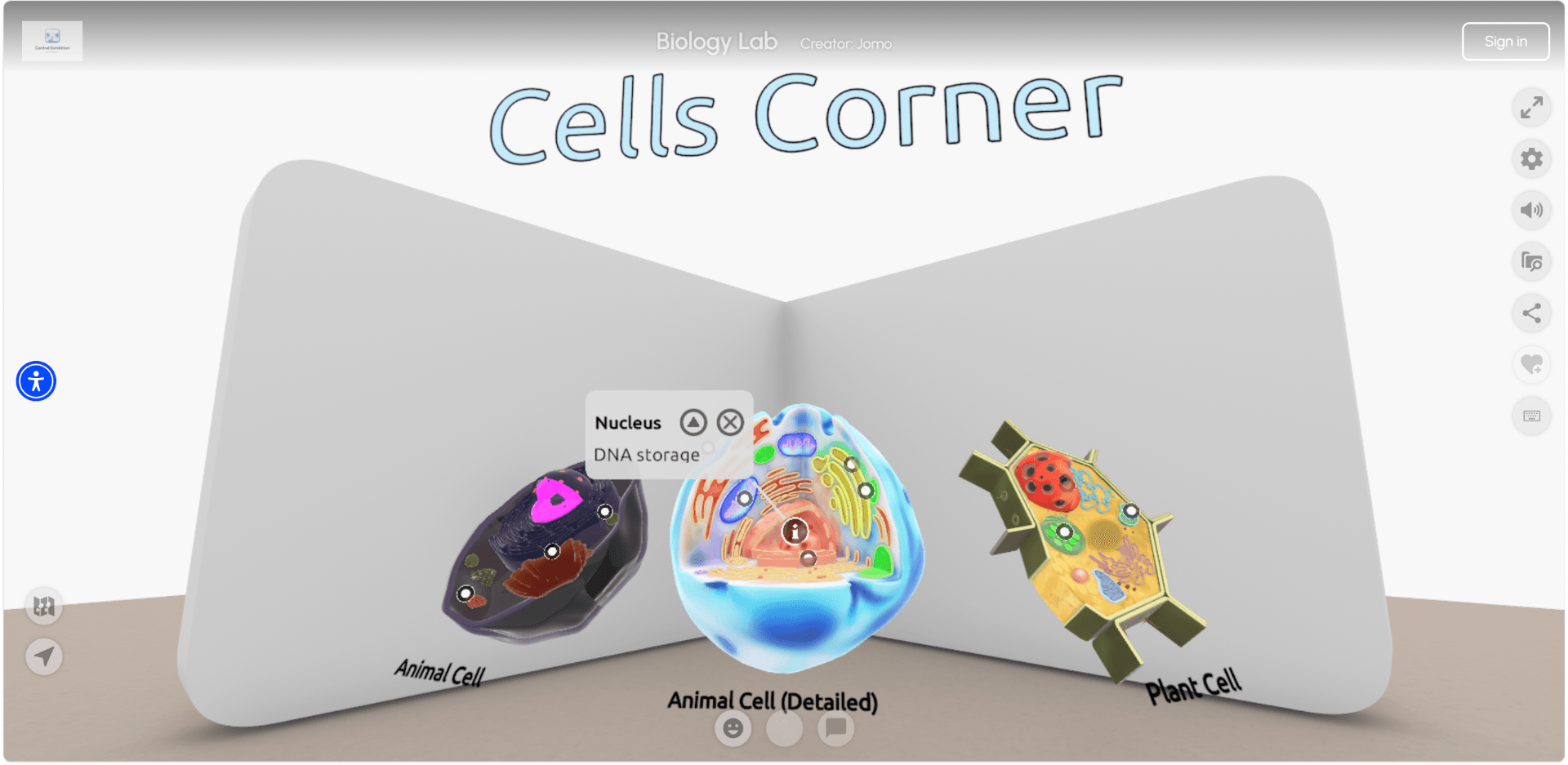
Build your space
Have a 3D course ready before the next class starts. Begin with a premade room or use AI to create a new one, adjust it by drag-and-drop and customize it like a slideshow. No coding or 3D design skills necessary.
Each lesson becomes a place: students explore it, build in it, return to it, on any device they own.

















Students have lost interest in static materials: attention drifts and knowledge retention drops.
Most educators don't have the time, coding skills, or design background that other 3D tools demand.
You're competing for attention against everything else on a student's screen.
Traditional materials treat every student the same, ignoring how differently people absorb and explore.
Immersive Learning
The result of learning by experiencing
Explore a narrated lesson on the solar system, designed for ages 8 to 14. Signs along the way explain how each part was put together, so this visit doubles as your first walkthrough of the platform.
Visit this spaceFrom stale syllabus to 3D classes.
Have a 3D course ready before the next class starts. Begin with a premade room or use AI to create a new one, adjust it by drag-and-drop and customize it like a slideshow. No coding or 3D design skills necessary.
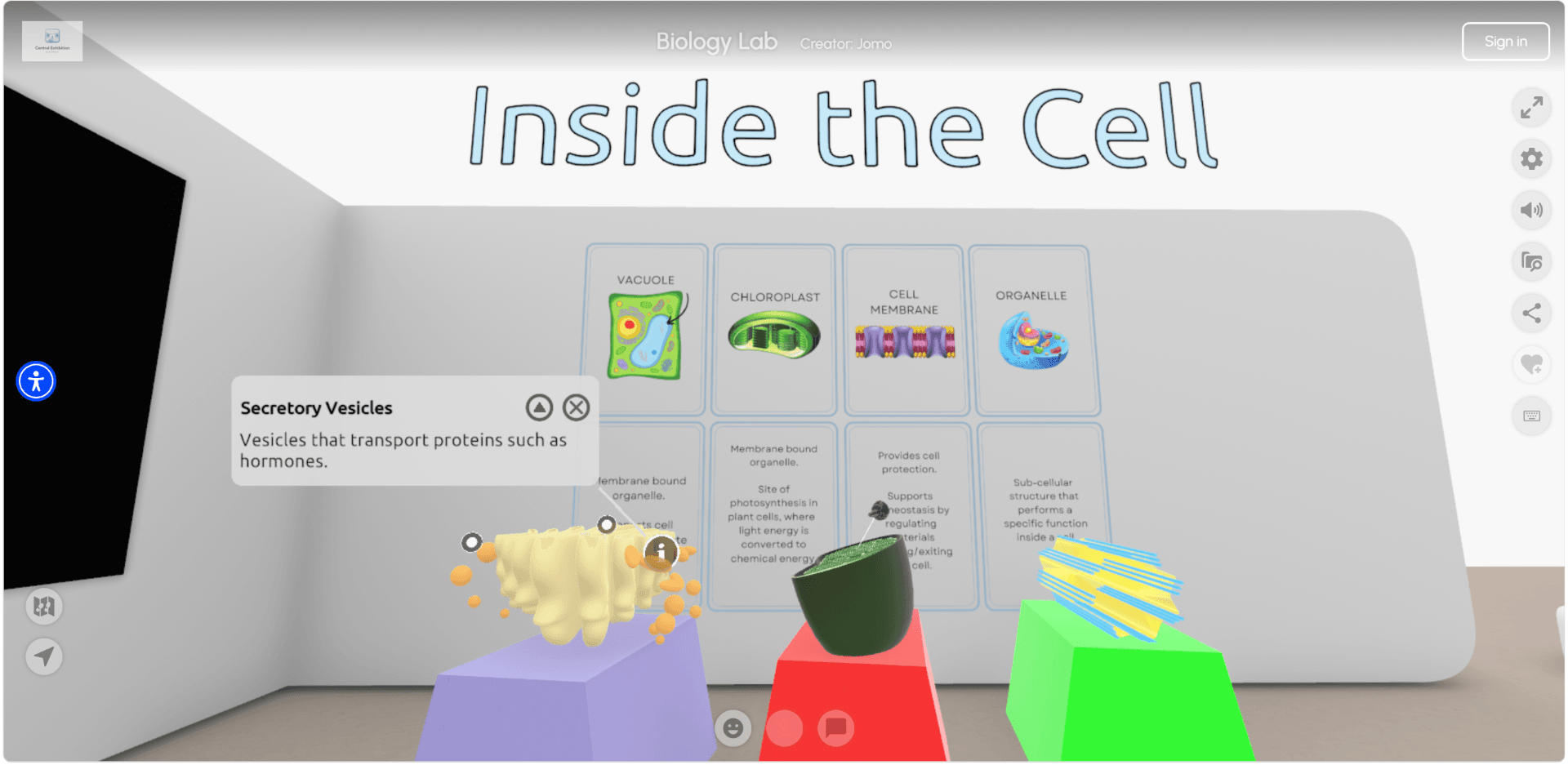
Reuse the material you already have. What's already in Moodle flows straight into the 3D space, and around it you can place the things a page can't hold: objects students can inspect, stories that develop through guided routes.
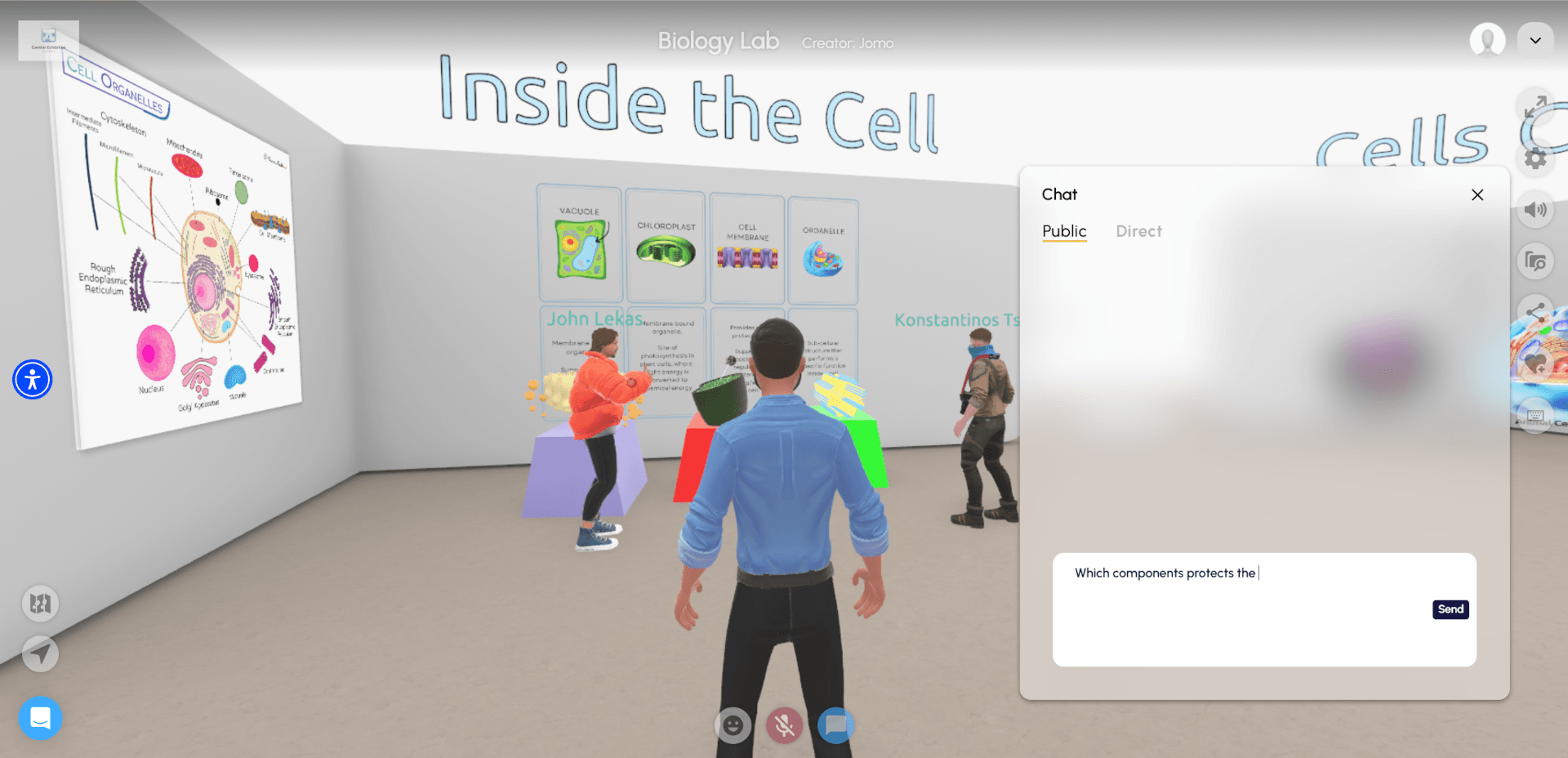
Teach a room that answers back. Students chat in real time while you lead a guided tour or let them explore. Watch engagement as it happens or deliver classes asynchronously, always on any device your students own.
3D exhibitions, built easily by your students.

Students create without ever exposing personal data. Each one enters their own 3D space through a single secure link; no accounts or details left unprotected. Get a creative tool your school's security experts will be happy to sign off on.
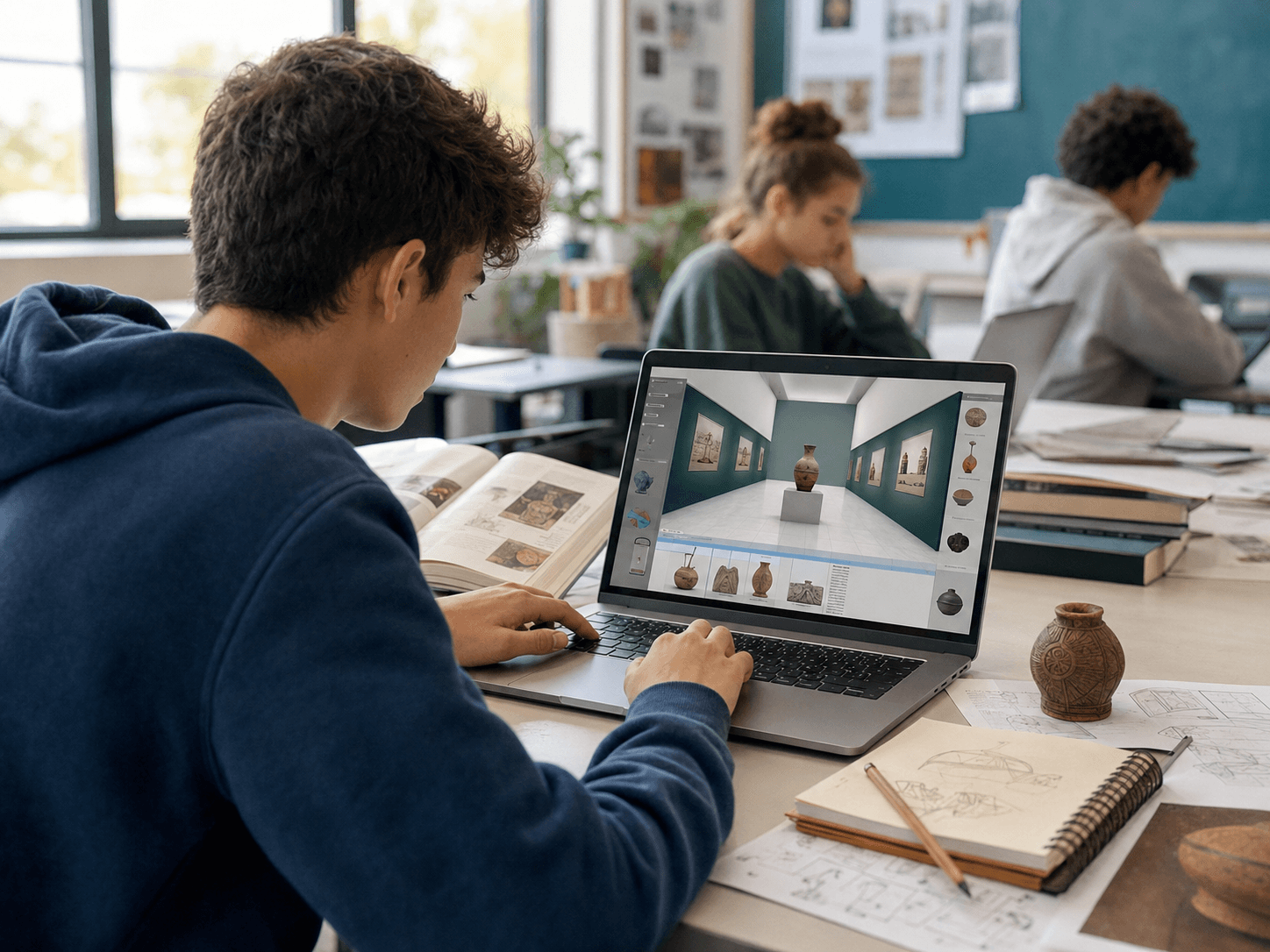
Building something helps students understand it. To turn a research topic into a 3D exhibition, they have to decide what matters, how it connects, and how to present it. This kind of active thinking sticks far longer than just reading a page.
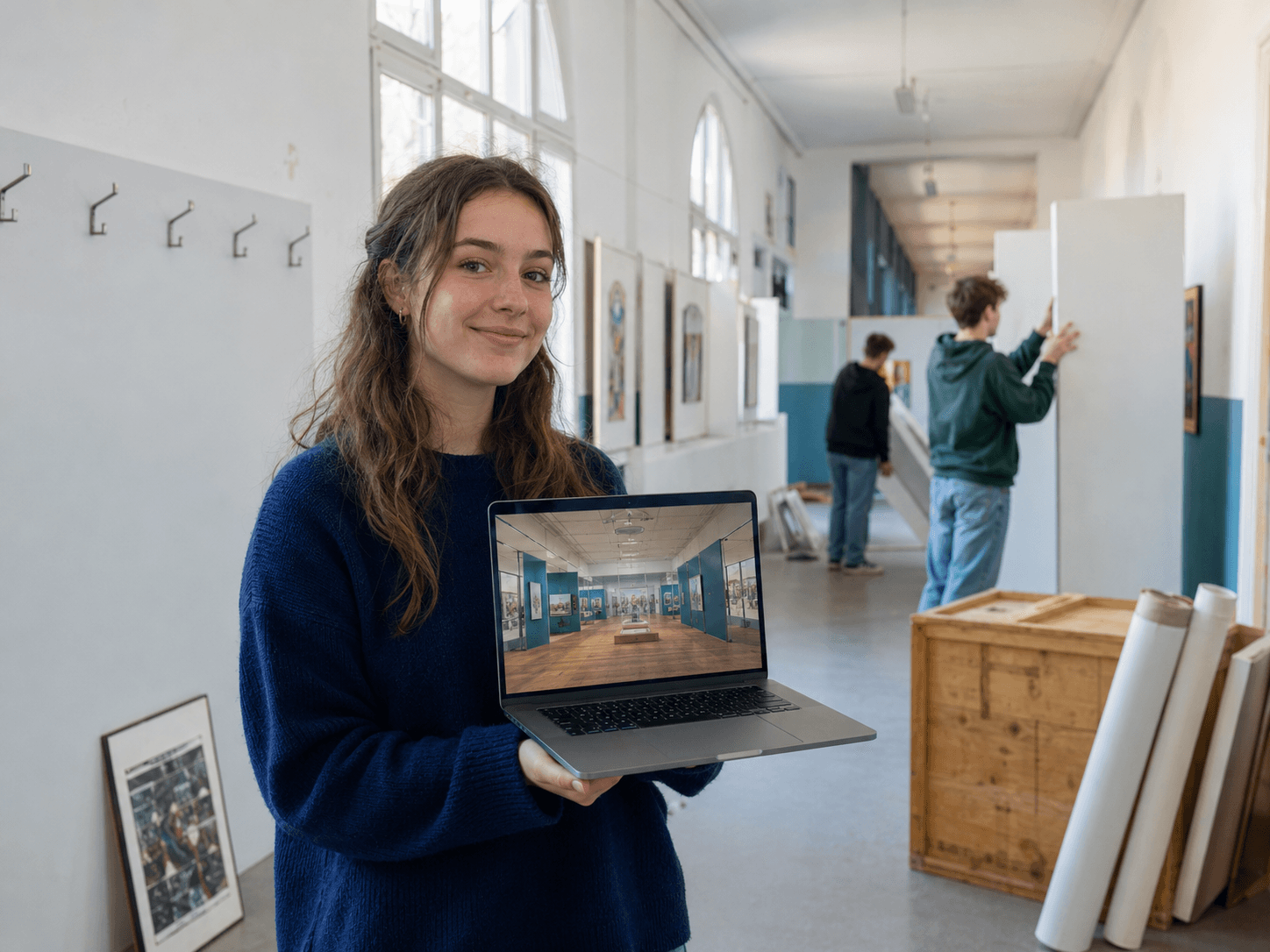
Every project ends in a 3D space students can share with their teachers, friends and family as well as revisit at any time. It's project-based learning with a result worth keeping that doubles as a study space come exam time.

The whole team or class can shape the same exhibition at once, editing side by side in real time and watching each other's ideas connect into a single space. Each contribution is recorded and attributed so you can see who did what.
Central control over every class and student space, integrations with the tools you already use, and safety built on rigorous standards.
Districts
Districts gather every class, faculty, and student space under one virtual roof. You manage members, organize their work, and control who sees what: you can set a District public, open to anyone, or private to keep everything internal.

Decide what the world sees. Coursework and unpublished material stay out of public view in non-public Districts, so nothing goes live unless you decide so.
Only who you approve can get in. Spaces are accessible by approved members alone, keeping your institutions’ work reachable only from inside your walls.
Everything in one place, tightly controlled. Every class and student space lives in a single searchable network of spaces, interconnected but separate.
Your existing course material carries straight over as one login covers both platforms. Connect your Moodle instance, browse your courses from inside Metasteps, and pull material such as pages, SCORM, and H5P into 3D spaces. A page becomes a space in two clicks.
Each space lives on its own URL or embed, visible only to the people you choose. Privacy and access controls are set by you; platform content is also moderated by you. Discovery is closed by default and spaces appear only where you want them to.
Single sign-on for institutions, cloud storage, Webview Embed API. The list goes on and keeps growing daily. The best version of Metasteps is the next one.
Leiden University
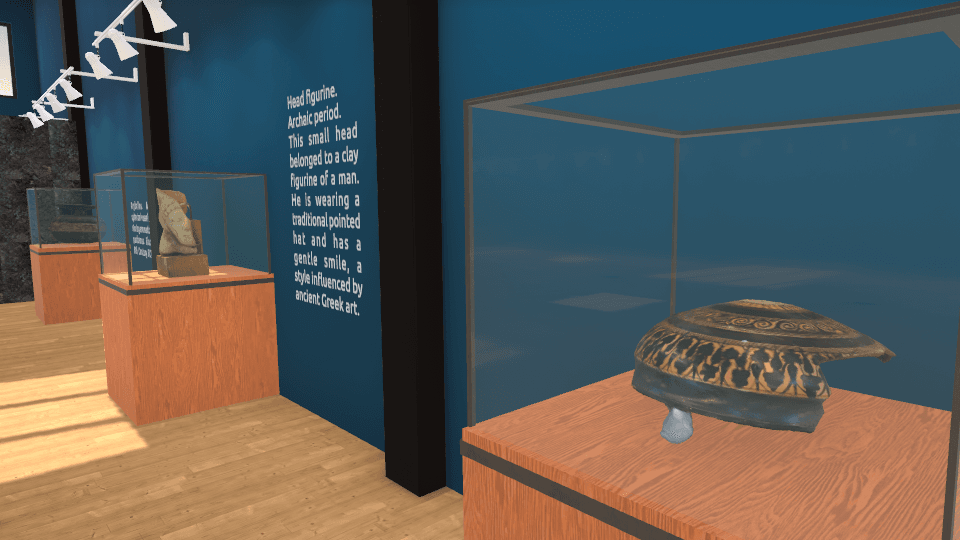
The Faculty of Archaeology wanted seminar tasks students would care about, so they went with 3D. Unfortunately, exhibition-design software proved too complex as it’s built for architects, while not every student laptop could run it.
With Metasteps, Dr. Martina Revello Lami set up the spaces and Districts within minutes. Then, her BA and MA students built the exhibitions themselves. Non-public Districts let them work safely with research data, and larger file allowances supported 3D replicas of real artefacts.
"The incredibly friendly user interface and the flexibility of file formats made the choice easy. Metasteps is my students' playground."
Educators build spaces, manage classes, consult analytics while Students learn, create, and publish in 3D.
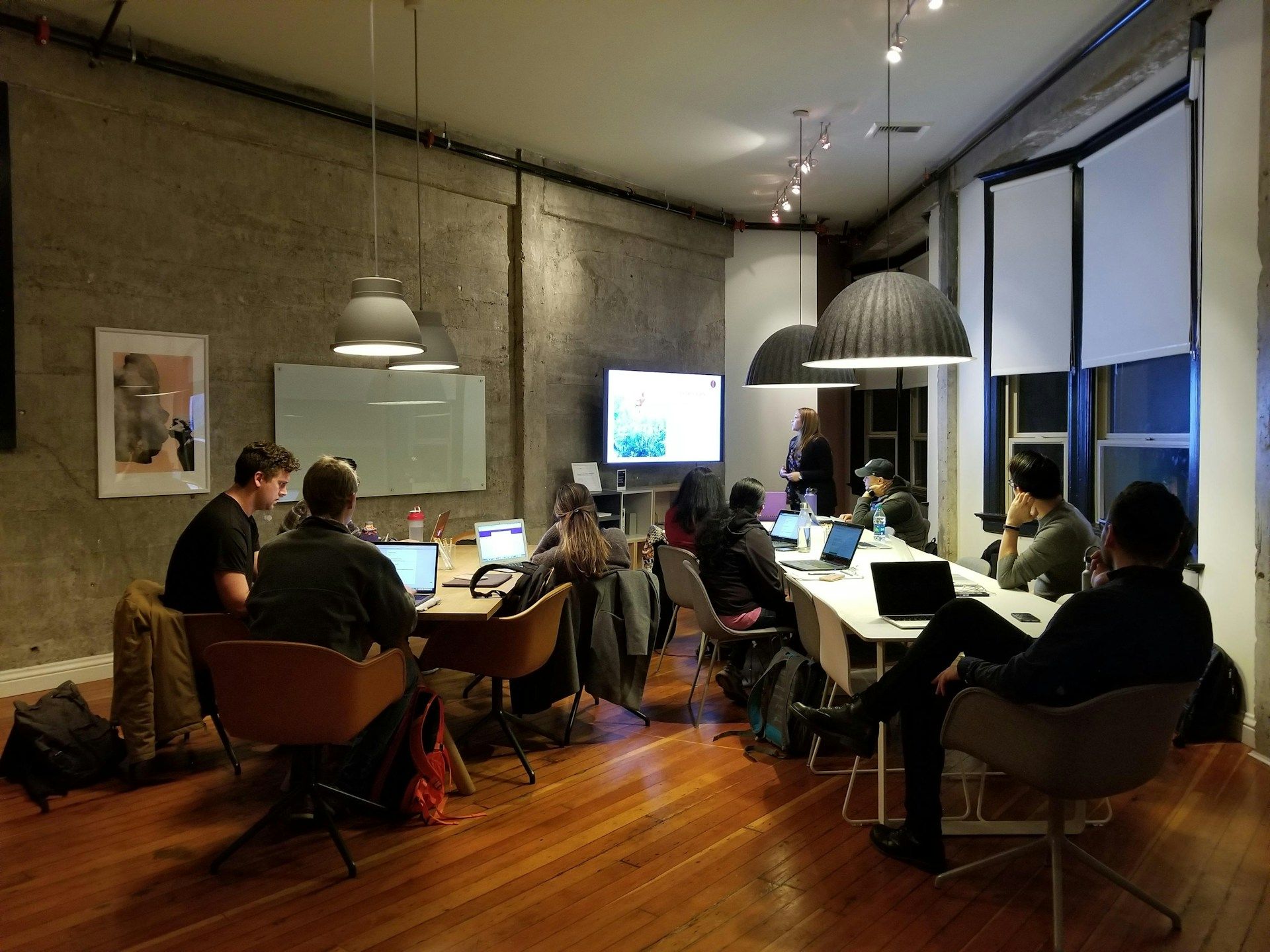

Book a demo to see a 3D class is built on your own syllabus, or start a free trial and have a space students can walk through in tomorrow’s class.